Location
Appearance → Customize → Footer Settings
Overview
The footer appears at the bottom of every page. Control its layout, colors, and content.
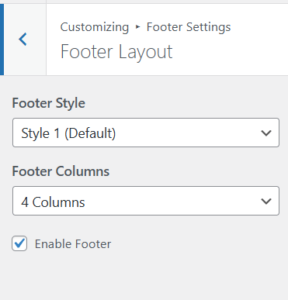
🏗️ Footer Layout
Footer Style
-
Style 1 (Default): Full featured with widgets
-
Style 2 (Minimal): Simple copyright only
Footer Columns
Choose number of widget columns:
-
1 Column (full width)
-
2 Columns (half each)
-
3 Columns (thirds)
-
4 Columns (quarters) – Default
Enable/Disable Footer
Toggle entire footer on/off
🎨 Footer Colors
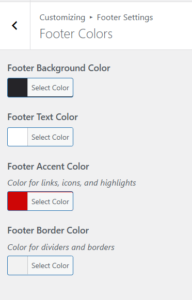
| Setting | Default | Description |
|---|---|---|
| Background Color | var(--primary-color) |
Dark background |
| Text Color | #ffffff |
White text |
| Accent Color | #ce0606 |
Links, icons |
| Border Color | rgba(255,255,255,0.1) |
Dividers |
🏢 Footer Brand Area
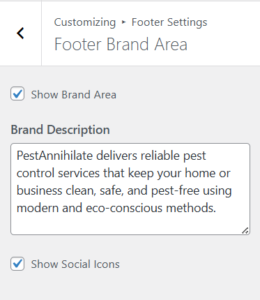
Show/Hide Brand Area
Toggle the brand section with logo and description
Brand Description
Show Social Icons
Display social media links in footer
📞 Footer Contact Info
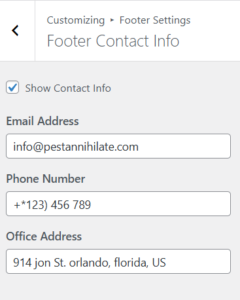
| Field | Default |
|---|---|
| info@domainname.com | |
| Phone | +91 123 456 789 |
| Address | 6391 Elgin St, Delaware |
⚖️ Footer Bottom Area
Brand Watermark
-
Show/Hide: Display theme credit
-
Watermark Text: PestAnnihilate
Copyright Text
Back to Top Button
Show/hide the floating “scroll to top” button