What is Loco Translate?
Loco Translate is a WordPress plugin that allows you to translate themes and plugins directly from your WordPress dashboard without needing external tools.
Installation
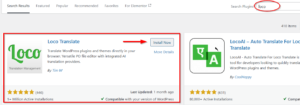
Dashboard → Plugins → Add New
Search for "Loco Translate"
Install and Activate
Step 2: Verify Installation
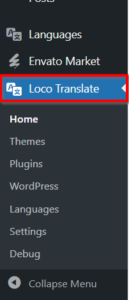
Dashboard → Loco Translate should appear in the admin menu
Translating PestAnnihilate with Loco Translate
Method 1: Creating a New Translation
Step 1: Access Theme Translations
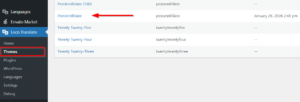
Dashboard → Loco Translate → Themes → PestAnnihilate
Step 2: Start New Translation
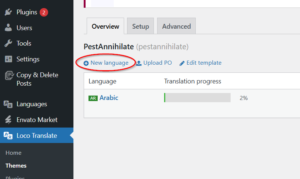
Step 3: Choose Language
-
Click “New Language”
-
Select language (e.g., French, Spanish, German)
-
Choose location:
-
Custom (recommended) – Saves in
/wp-content/languages/loco/themes/ -
System – Saves in theme folder (may be overwritten on update)
-
-
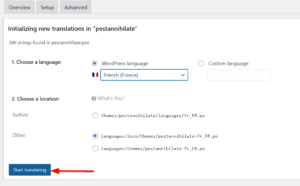
Click “Start Translating”